 Display the Configure NFS dialog box
- From the Configure menu, select NFS.
Figure 1: Configure NFS Dialog Box
When you configure an NFS file sharing protocol for your vmPRO appliance, you are defining the file systems and hosts that can access the exported vmPRO data.
You can configure an NFS file sharing protocol from the Configure menu or the Quantum vmPRO Configuration Wizard. In addition, you can edit or delete NFS protocols from these locations.
Display the Configure NFS dialog box
Figure 1: Configure NFS Dialog Box

Display the NFS General Configuration page
Figure 2: File Sharing Page
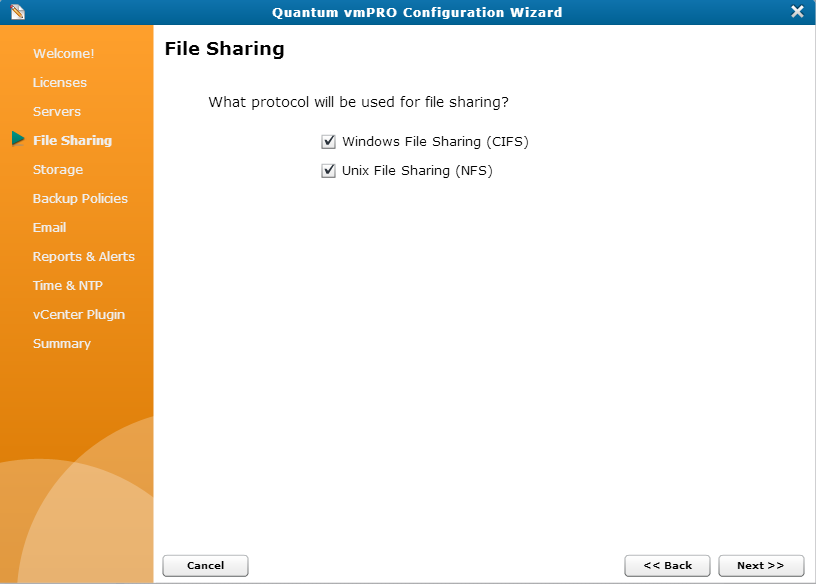
Figure 3: NFS General Configuration Page
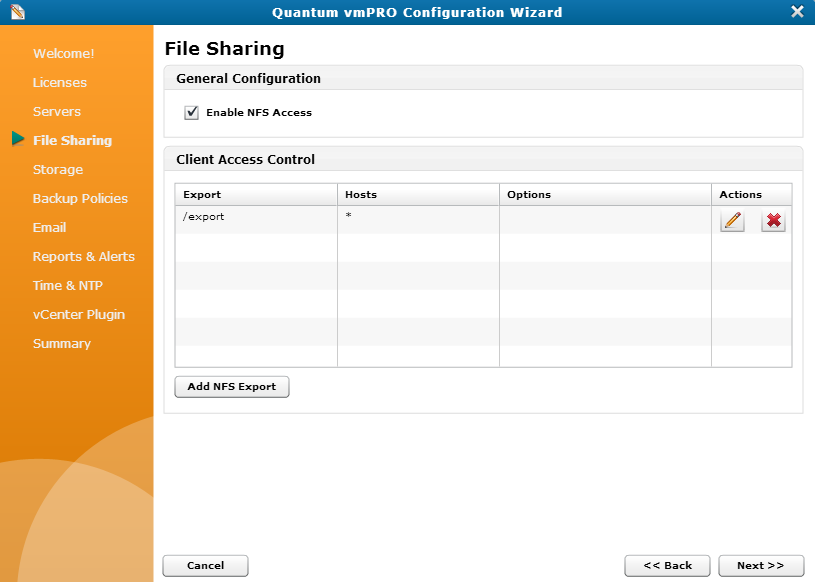
Configure an NFS protocol
Figure 4: Add NFS Export Dialog Box
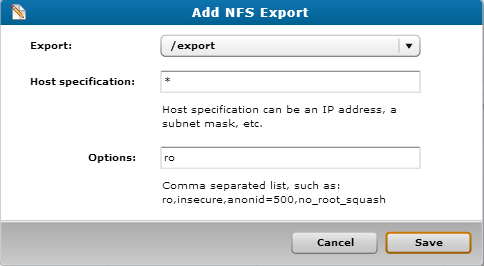
Caution: Any time you make configuration updates from the Quantum vmPRO Configuration Wizard, you must exit the wizard using the Summary tab to save your updates. See Initially Configuring a vmPRO Appliance.
Mounting Options
Users can mount NFS shares from the NAS as a Linux network drive using <vmPRO-Host:/directory>, where vmPRO-Host is the name of the host on which to mount the directory and /directory is the directory to mount.
Note: We strongly recommend using the NFS protocol for Linux client machines accessing the vmPRO /export network file system. If a Linux client machine uses the CIFS protocol, specify the directio mount option at the mount command. For example: # mount.cifs -o ..,directio <share> <mount point>
Additional Functions
In addition to configuring NFS protocols, you can also use the following icons on the Configure NFS dialog box or NFS General Configuration page:
|
Icon |
Function |
|---|---|
|
|
Displays the Edit NFS Export dialog box or page. Use this page to edit the NFS protocol's settings.
|
|
|
Deletes the NFS protocol from the vmPRO appliance. |
|
COMPANY |
SUPPORT |
CONTACT US |
BE CERTAIN ™ |
|
JOIN US
|
|||
|
©2015 Quantum Corporation. All Rights Reserved. Last Updated: 8/12/2015 |
|||


