Object Storage Features in the StorNext GUI
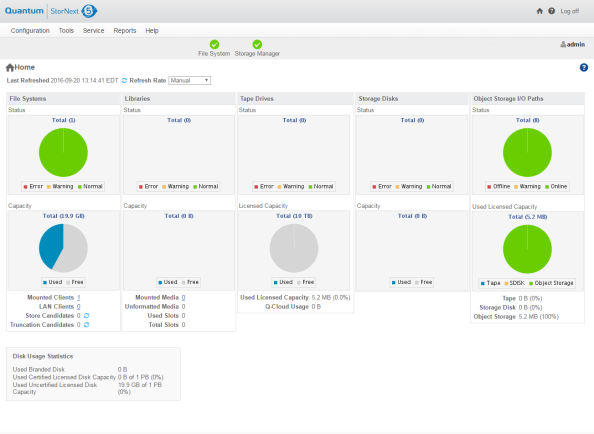
On the Home page of the GUI, the Object Storage, I/O Path status and Used Space indicator are available for monitoring purposes (see Figure 1 below).
On the Configuration > Licenses page of the GUI, the Storage Manager Subscription license row is available for you to access Object Storage features (see Figure 2 below).
Figure 2: Configuration > Licenses Page

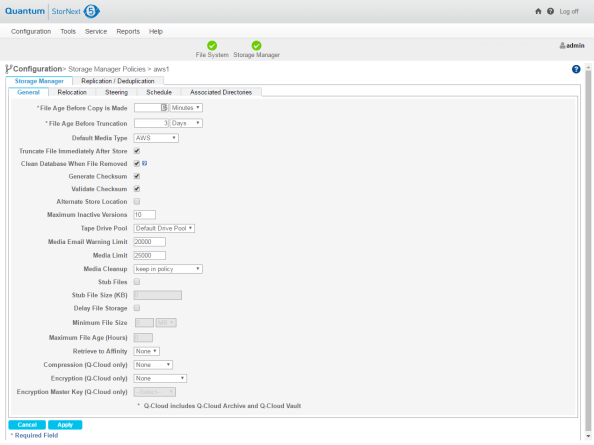
On the Configuration > Storage Manager Policies page of the GUI, support for Object Storage media type when configuring a SM policy is available (see Figure 3 below).
Figure 3: Configuration > Storage Manager Policies > Edit Page
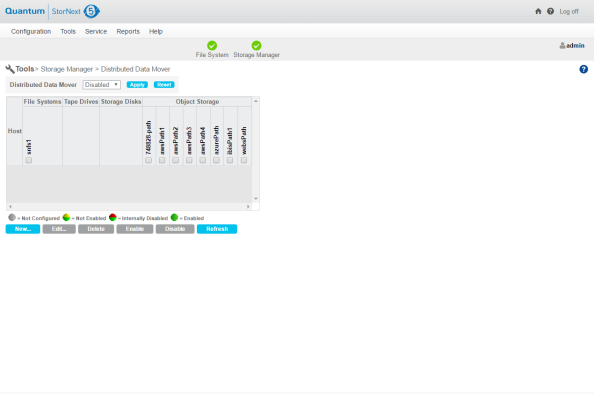
On the Tools > Storage Manager > Distributed Data Mover page of the GUI, the Object Storage I/O path to DDM configuration is available (see Figure 4 below).
Figure 4: Tools > Storage Manager > Distributed Data Mover Page
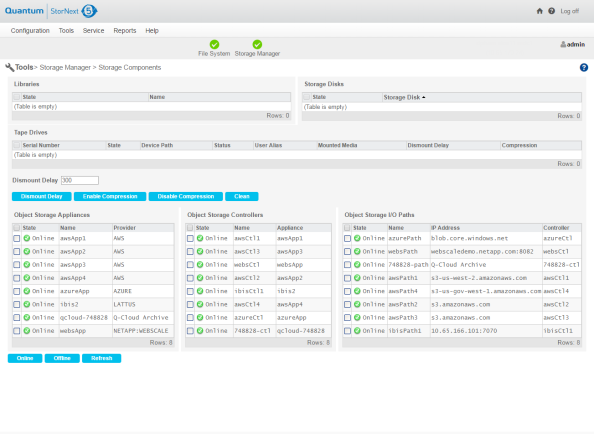
On the Tools > Storage Manager > Storage Components page of the GUI, you can toggle Object Storage Appliances, Controllers, and I/O Paths online/offline (see Figure 5 below).
Figure 5: Tools > Storage Manager > Storage Components Page
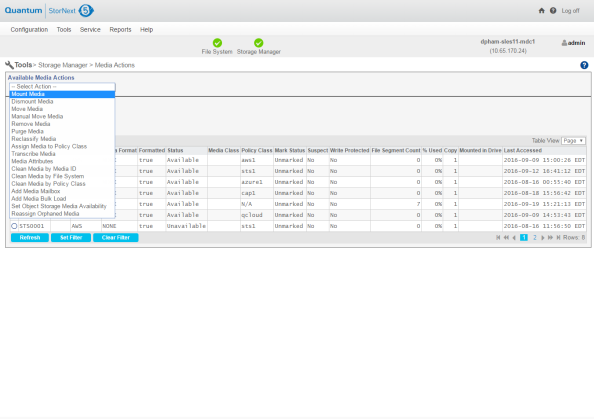
On the Tools > Storage Manager > Media Actions page of the GUI, the Object Storage media type is available for you to remove, purge, assign policy, attributes and clean media operations (see Figure 6 and Figure 7 below).
Figure 6: Tools > Storage Manager > Media Actions (Media Selection) Page
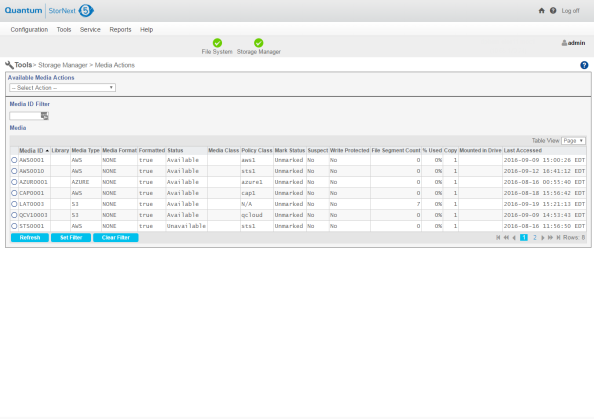
Figure 7: Tools > Storage Manager > Media Actions (Available Media Actions list) Page